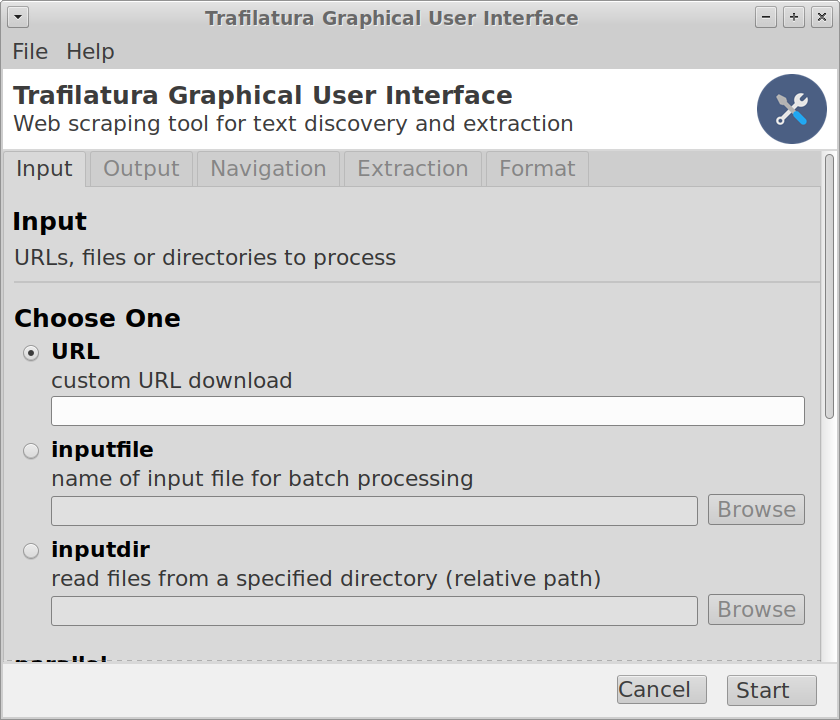
Graphical user interface#
Deprecated since version 2.0: The graphical user interface has been removed. Use the command-line interface instead.
For users who prefer a visual interface over writing scripts or typing commands, a graphical user interface (GUI) was offered.
The GUI was a feature in Trafilatura until version 1.8.1 and is no longer available. Get in touch if you are interested in working towards a more robust or feature-complete version.
If installation fails, usage on the command-line is recommended.
Hint
This interface is removed until further notice starting from Trafilatura version 2, mostly due to issues with cross-platform tests and maintenance.
Installation#
Open a terminal window (see the page on the command-line interface in this documentation)
Install Python (see the installation page)
Install the necessary software versions straight from the repositories by copying the following instructions into the terminal window (use
pip3orpipotherwise):pip3 install -U trafilatura==1.8.1[gui]Allow some time for the installation to run…
Getting started#
Just type trafilatura_gui in a terminal window and press the enter key.
Troubleshooting#
Mac OS X:
This program needs access to the screen...This problem is related to the way you installed Python or the shell you’re running:Clone the repository and start with “python trafilatura_gui/interface.py” (source)
Configure your virtual environment (Python3 and wxpython 4.1.0)
Linux (Debian/Ubuntu):
sudo apt install libgtk-3-devoptional: to save compilation time, use a wxpython wheel from
https://extras.wxpython.org/wxPython4/extras/(e.g. 4.1.0)
Screenshot#